


Download the area around you
Once your position is known, PeakLook offers to save the terrain and peaks around you: about 40 MB, the size shown before you start. Tap Download, preferably on Wi-Fi. A download can be paused and resumes where it stopped.
Not there yet? Choose the place on the Map and tap View from here: PeakLook offers the area around that point.
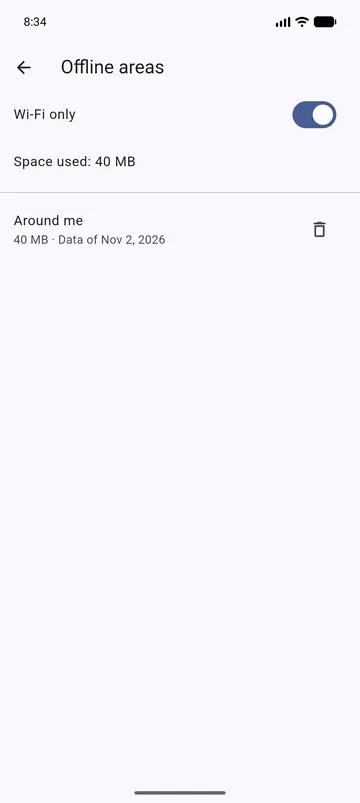
Offline areas, in the Menu, lists your areas with their size and date. Wi-Fi only waits for Wi-Fi; Update appears when newer data is available.
Then, no network
With the area on the phone, the camera view, the drawn view, peak details and photos all work in airplane mode. Far peaks are always available from the data built into the app.
Elsewhere
Outside your areas, PeakLook downloads the terrain it needs as you go, when there is a network. See Offline areas.