


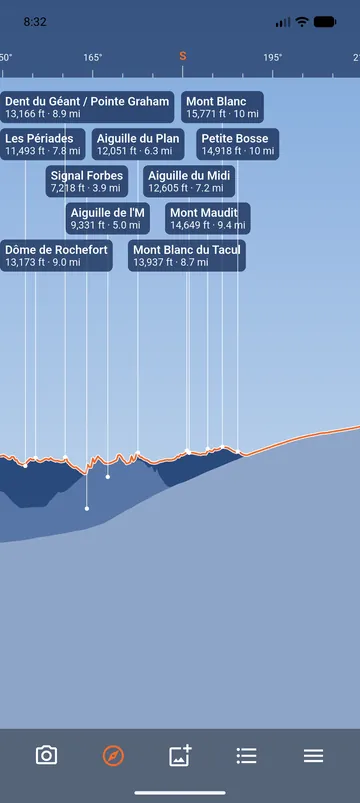
A drawing of the skyline
The Drawn view shows the mountains around you as a drawing: the ridges, one behind the other, and the name of each visible peak. It needs no camera, so it works at night, in fog, or with the phone on the table.
It follows the compass. Drag it to look around, pinch to zoom, and tap Follow the compass to follow the phone again.
From the camera, and back
The Drawn view button sits in the bar at the bottom of the camera view; the camera button, See the peaks, goes back. If the camera is not allowed, the drawn view stays available. See The drawn view.